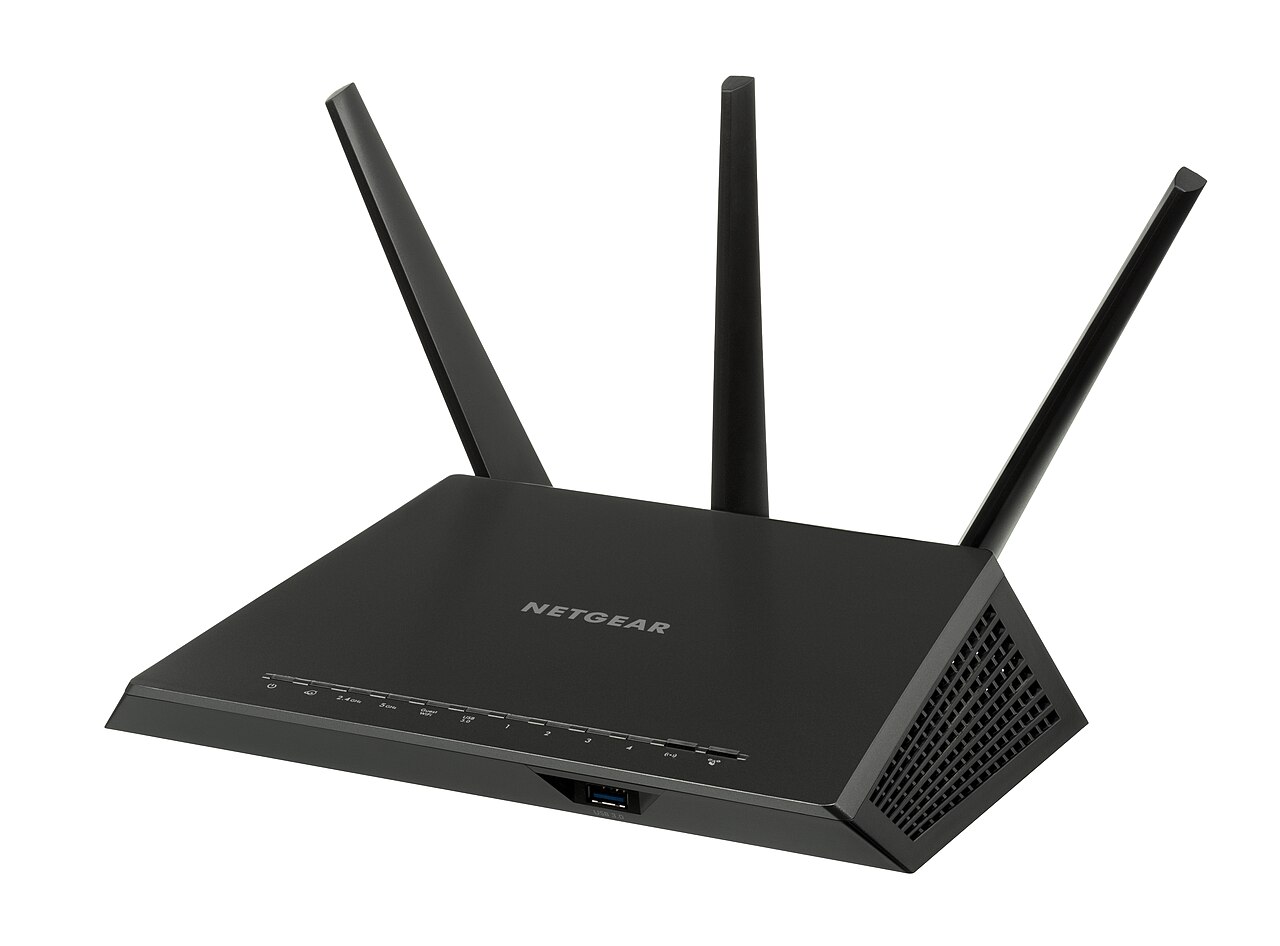
A household upgrades from a hundred megabits to a thousand, and the laptop in the back bedroom goes from ninety to ninety-five. The line changed by a factor of ten. The experience changed by five percent. The router is in a cupboard under the stairs, behind a plasterboard wall with foil-backed insulation.
Wi-Fi is where most broadband performance is lost, and it is the only part of the connection the household fully controls. Understanding what limits it turns an expensive upgrade into a cheaper rearrangement.
Why is Wi-Fi usually slower than the line?
Because radio is a shared, contested medium. Only one device transmits at a time on a channel, every wall attenuates the signal, and neighbouring networks compete for the same spectrum. A wireless link that reports a high negotiated rate in ideal conditions delivers a fraction of it at the far end of a house.
Ethernet has none of those constraints. That is why a wired test is the first step in any diagnosis: it measures the line rather than the radio.
Where should the router go?
High, central and unobstructed. Not in a cupboard, not behind a television, not on the floor next to a radiator, and not in the room where the fiber enters if that room is at one end of the property. Radio propagates outward and slightly downward, so a hallway shelf at chest height is close to ideal.
Moving a router two metres can change a household’s experience more than doubling the plan. It is the cheapest upgrade available and the least likely to be tried.
What materials block the signal?
Masonry, metal, water and foil. A brick wall costs more signal than plasterboard, a mirrored wardrobe more than a sofa, and underfloor heating with a metallic layer can effectively shield a room. Aquariums are a classic and unhelpful obstacle.
Walking the house with a signal meter on a phone identifies the dead spots in five minutes. Guessing from the floor plan is less reliable than measuring.
Does the band matter?
Yes. The lower bands travel further and penetrate walls better, while the higher bands carry more data over shorter distances. Modern routers use both, with the device choosing, and the choice is sometimes wrong: a device clinging to a distant low band can be slower than one using a closer high band.
Separating the bands into distinct network names gives control at the cost of convenience. For a household with a persistent problem in one room, that control is usually worth it.
How many devices can one router handle?
More than the marketing suggests and fewer than the household assumes. A modest router with thirty connected devices spends much of its time managing associations rather than moving data, and the symptom is latency that appears whenever the house is busy.
Counting the devices is instructive. Phones, laptops, televisions, speakers, plugs, cameras and thermostats add up faster than most people expect.
Is a mesh system the answer?
For coverage, usually yes. Two or three nodes connected by ethernet give both coverage and throughput, and the result is close to a wired network. Connected wirelessly, each hop halves the throughput, which can leave a far room with good signal and mediocre speed.
The distinction between a wired and a wireless backhaul is the single most important decision in a mesh purchase. A house without ethernet runs will not get the full benefit, however many nodes are bought.
What about powerline adapters?
Useful in some houses and disappointing in others. They depend on the electrical wiring, which was never designed for data, and performance varies with the age of the circuit and the distance between sockets. A pair on the same ring main can work well; a pair across different circuits often does not.
They are worth trying where ethernet is impossible, provided the retailer accepts returns. The result is unpredictable enough that a trial is the only reliable test.
Does the router’s age matter?
Considerably. A router from eight years ago may support an older wireless standard that caps real throughput well below a modern plan, which means the line is delivering capacity the radio cannot use. The symptom is a household paying for speed it has never seen.
Checking the wireless standard on the router’s label is a two-minute exercise. Where it predates the current generation by two steps, replacement is likely to produce a larger gain than any contract change.
Why does speed drop when someone opens the microwave?
Because both use the same unlicensed spectrum. A microwave leaking energy in the two point four gigahertz band can disrupt a wireless link for as long as it runs, which produces a brief, repeatable outage that looks like a fault.
Moving devices to the higher band, where available, removes the interference entirely. It is a small change with a disproportionate effect in kitchens.
How should coverage be measured?
Walk the property with a phone, note the signal in each room, and test throughput in the two worst spots. Then repeat with a laptop on ethernet in the same rooms to establish what the line can do. The gap between the two sets of numbers is the size of the Wi-Fi problem.
That gap is also the budget for fixing it. If the wired figure is ten times the wireless figure, hardware is the priority; if they are close, the line is the constraint.
Does the ISP’s router ever limit the plan?
Frequently, on the fastest tiers. Rental units are specified for the plan they are sold with in ideal conditions, and routing a gigabit with a firewall and a wireless radio running is at the edge of what a modest unit can do. The symptom is a wired test that reads well below the plan while the line is healthy.
Replacing the router with a faster unit is a legitimate diagnostic. Where the speed improves, the rental was the constraint, and the monthly charge becomes harder to justify.
Can channel congestion be fixed?
Partly. Choosing a less crowded channel, and letting the router do so automatically where it is competent, reduces interference from neighbours. In dense housing, the spectrum is simply full, and the answer is more access points rather than a better channel.
Scanning the neighbourhood networks with a phone app shows how crowded the space is. A block of flats with forty visible networks is a different engineering problem from a detached house with two.
What is the cheapest sequence of fixes?
Move the router, then run a cable to one far room, then replace the router, then add a node. Each step costs more than the previous one and each addresses a different constraint, so the order matters more than the products.
Households often start at the last step, buying a mesh kit before moving the router. The kit works and the diagnosis is never made, which is expensive but not fatal.
How does Wi-Fi affect the speed test?
It corrupts it, quietly. A test run over wireless measures the radio and the line together, and the result is attributed to the provider. This is the single most common source of misplaced complaints in the whole market.
Running one wired test before calling support saves an hour of both parties’ time. It also occasionally reveals that the problem was never the provider at all.
Do walls matter as much as distance?
Often more. A single masonry wall can attenuate a signal more than ten metres of open space, which is why a router in a hallway serves a nearby bedroom well and the room directly above it badly. Distance is visible and walls are not, so households tend to blame the wrong one.
Thinking in terms of rooms rather than metres produces better placement decisions. The question is which surfaces the signal must cross, not how far it must travel.
What about coverage outside the house?
A garden office or a patio requires either an outdoor access point or a mesh node near an external wall. Extending coverage through a brick wall from inside the house rarely works well, and the signal that reaches the garden is usually the weakest, most retransmitted link in the network.
A cable to an outdoor unit is the reliable solution and it is a fraction of the cost of a larger plan that cannot reach the building anyway.
The line is the part you rent and the Wi-Fi is the part you own, and only one of them can be fixed with a screwdriver and twenty minutes. Where is your own router standing right now?